To install the software INTPRG_3G_WF save the file Inst_INTPRG_3G_WF.zip on your hard disk, expand the file and launch the installer by clicking twice on the installation program icon.
This software contains all the functions for the S500 family and is compatible with PGM449SW. The software allows you to change the PIN code of the interface and to configure the SIM PIN connection settings for the 3G model and the network name and password in the case of Wi-Fi.
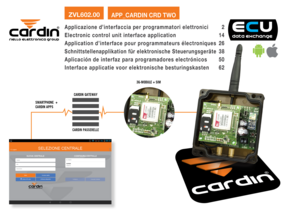
The CRDTWO App is available for free in the Apple and Google stores. After installing the App, proceed as indicated in the instructions ZVL602.00.
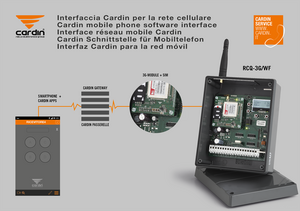
The CRDTWO App is available for free in the Apple and Google stores. After installing the App, proceed as indicated in the instructions ZVL559.01.
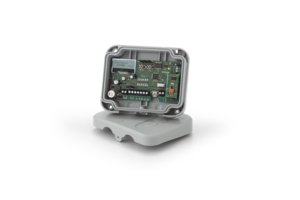
To install the software RCQ500W00, save the file CARDIN_MPI_Installer.zip on your hard disk, expand the file and launch the installer by clicking twice on the installation program icon (setup.exe).
This software interacts with the electronic card RCQ500W00 and allows you to set its functions, to manage S500 radio controls and DKS users, to program work times and to monitor the activation status.
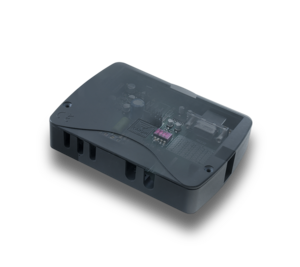
To install RCQ449W00 MPI, click on the right-hand mouse button and choose the field "save as". Save the file Inst_MPI.zip on your hard disk, expand the file and launch the installer by clicking twice on the installation program icon.
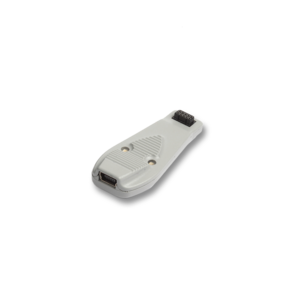
To install the MORPHKEYSW software, save the file Inst_MORPHKEYSW.zip on your hard disk, unzip it and launch the installer by clicking twice on the installation program icon. This software allows you to change the settings of the Morpheus transmitters such as the time the transmitter will wait for a reply from the receiver, LED and/or buzzer activation or deactivation amd the time the buttons must be pressed down for to activate the command.
To install the CARDINTX_SW software, save the file Inst_CARDINTX.zipon your hard disk, unzip it and launch the installer by clicking twice on the installation program icon. This software includes all the functions for the S500 family and is 100% compatible with the PGM449SW program.